

Post


Example Post
Lorem ipsum dolor sit amet, consectetur adipiscing elit, sed do eiusmod tempor incididunt ut labore et dolore magna aliqua. Ut enim ad minim veniam, quis nostrud exercitation ullamco laboris nisi ut aliquip ex ea commodo consequat. Duis aute irure dolor in reprehenderit in voluptate velit esse cillum dolore eu fugiat nulla pariatur. Excepteur sint occaecat cupidatat non proident, sunt in culpa qui officia deserunt mollit anim id est laborum.
Some bold text and some Italic text.
Some other bold text and some other italic text
Some strikethrough text using the tilde character.
Bold and italic text
also bold and italic text
Textsubscript
Textsuper scipt
quoted text
more quoted text
a color in hex #0969DA rgb
KaTex: the web verion of LaTex
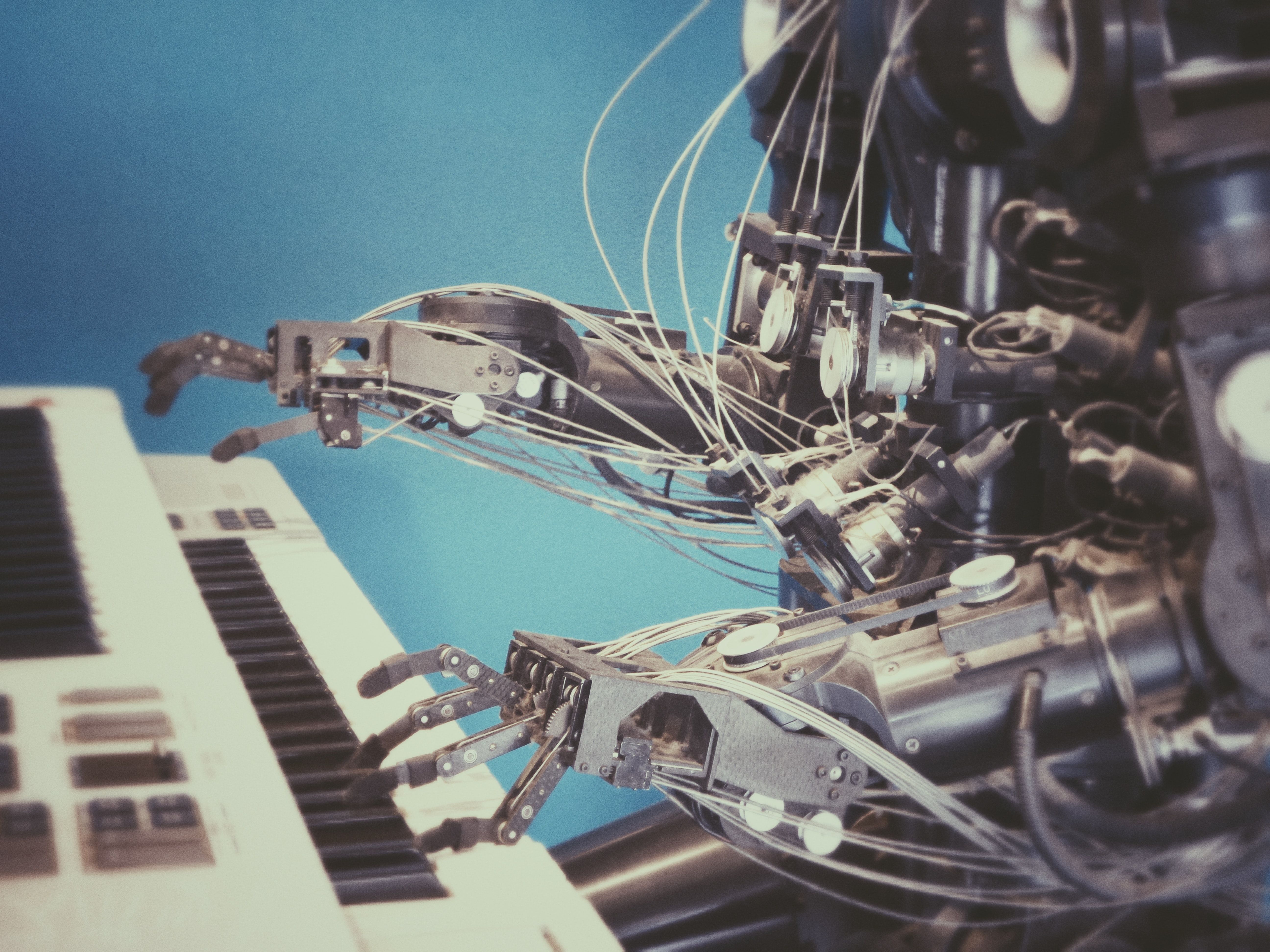
Image
Lists
List
- a
- b
- c
- d
Numbered List
- this
- is
- a
- numbered
- list
A table
| Header | Description | trivia |
|---|---|---|
| aligned left | aligned center | aligned right |
| Paragraph | Text | And more |
Code block
syntax highlight
var s = "JavaScript syntax highlighting";
alert(s);
s = "Python syntax highlighting"
print sNo language indicated, so no syntax highlighting.
But let's throw in a <b>tag</b>.For full list of supported languages https://prismjs.com/#supported-languages
line numbering
javascript{numberLines: true}
// In your gatsby-config.js
plugins: [
  {
    resolve: `gatsby-transformer-remark`,
    options: {
      plugins: [
        `gatsby-remark-prismjs`,
      ]
    }
  }
]
start at index (helpfull if you want to show a chunk from a large file)
javascript{numberLines: 134}
// In your gatsby-config.js
plugins: [
  {
    resolve: `gatsby-transformer-remark`,
    options: {
      plugins: [
        `gatsby-remark-prismjs`,
      ]
    }
  }
]
line highlighting
javascript{1-2,22}{numberLines: true}
// In your gatsby-config.js// Let's make this line very long so that our container has to scroll its overflow…plugins: [
  {
    resolve: `gatsby-transformer-remark`,
    options: {
      plugins: [// highlight-line
        {
          resolve: `gatsby-remark-images`,
          options: {
            maxWidth: 756,
          },
        },
        {
          resolve: `gatsby-remark-responsive-iframe`,
          options: {
            wrapperStyle: `margin-bottom: 1.0725rem`,
          },
        },
        `gatsby-remark-copy-linked-files`,
        `gatsby-remark-smartypants`,
        `gatsby-remark-prismjs`,      ]
    }
  }
]
shell prompt
shell{outputLines: 2-12}
nmap -sV --script=http-enum <target>
Interesting ports on test.skullsecurity.org (208.81.2.52):
PORT   STATE SERVICE REASON
80/tcp open  http    syn-ack
| http-enum:
|   /icons/: Icons and images
|   /images/: Icons and images
|   /robots.txt: Robots file
|   /sw/auth/login.aspx: Citrix WebTop
|   /images/outlook.jpg: Outlook Web Access
|   /nfservlets/servlet/SPSRouterServlet/: netForensics
|_  /nfservlets/servlet/SPSRouterServlet/: netForensics
shell{promptUser: alice}{promptHost: dev.localhost}{outputLines: 2-12,14}
nmap -sV --script=http-enum <target>
Interesting ports on test.skullsecurity.org (208.81.2.52):
PORT   STATE SERVICE REASON
80/tcp open  http    syn-ack
| http-enum:
|   /icons/: Icons and images
|   /images/: Icons and images
|   /robots.txt: Robots file
|   /sw/auth/login.aspx: Citrix WebTop
|   /images/outlook.jpg: Outlook Web Access
|   /nfservlets/servlet/SPSRouterServlet/: netForensics
|_  /nfservlets/servlet/SPSRouterServlet/: netForensics
nmap -sV --script=http-enum <target>
git diff
/* Adjust the position of the line numbers */
.line-numbers-rows {
-  border-right: none;
+  border-right: none !important;
  padding-left: 1rem;
  padding-top: 1rem;
}